Step A
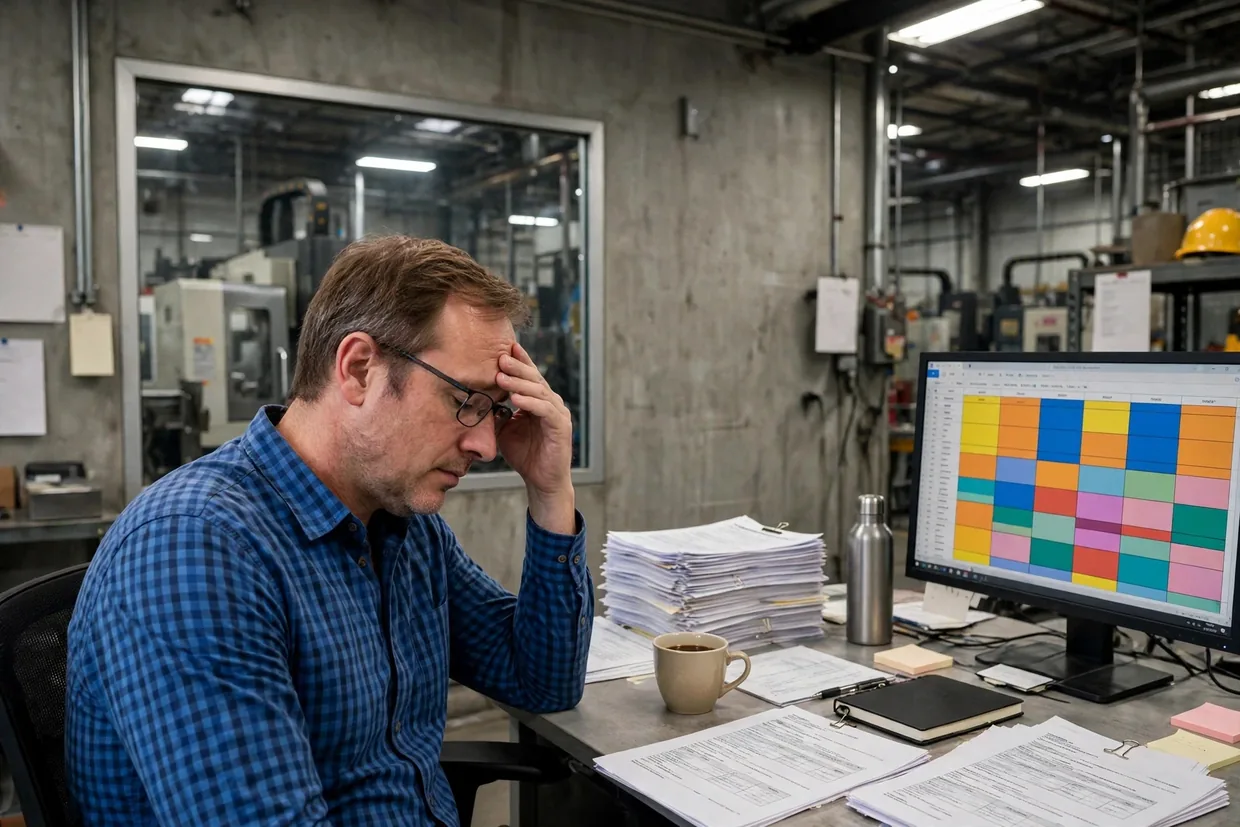
7:00 a.m. You rebuild the schedule. Again.
Every Monday, the whole production plan is rebuilt by hand in Excel — by the one person who understands it. If he’s away, the plant waits.
 The planner · plant office
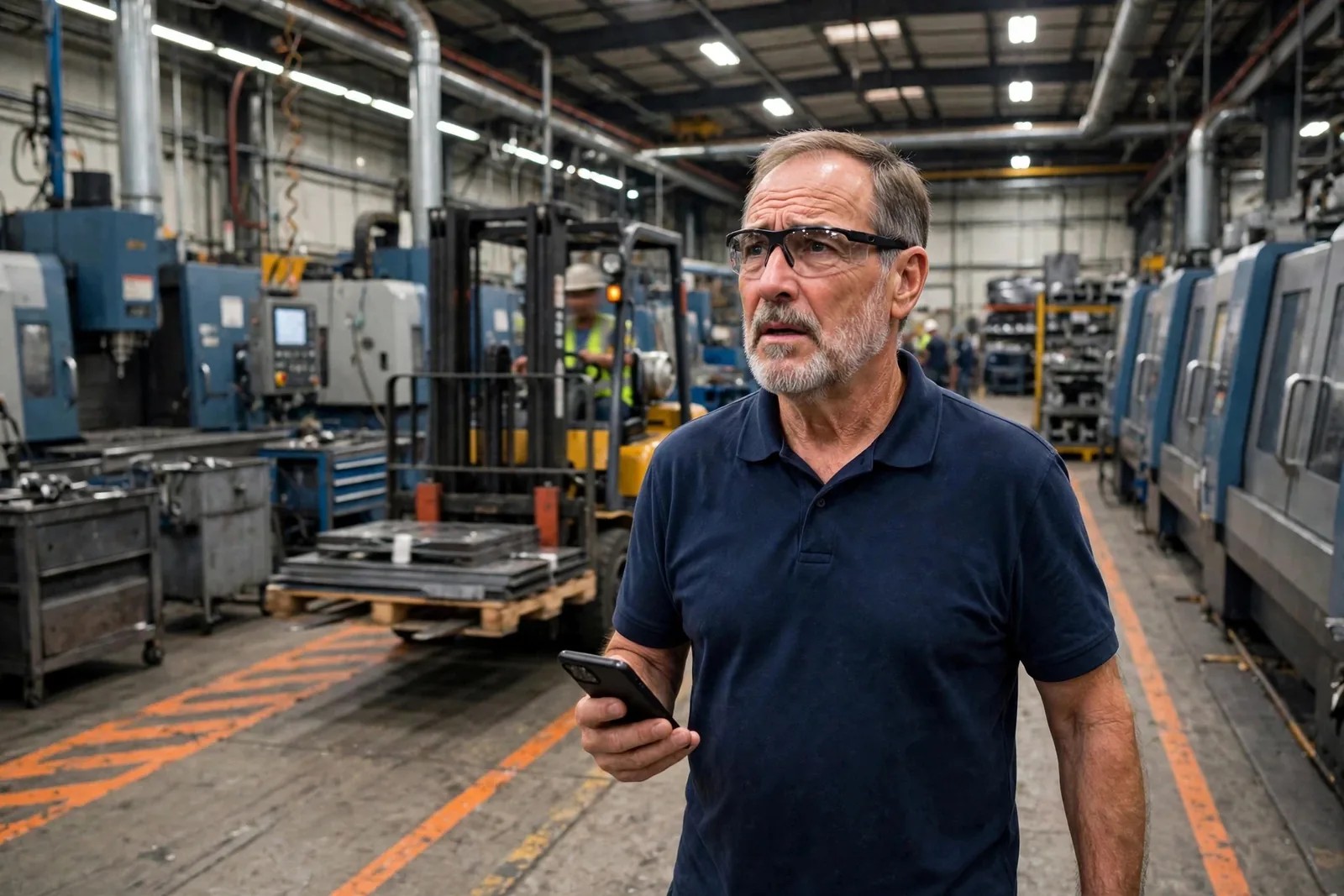
Voliom builds the software that sits between your ERP and your plant floor — so your plant stops running on spreadsheets and clipboards.
Your day today
7:00 a.m.
Step A
Every Monday, the whole production plan is rebuilt by hand in Excel — by the one person who understands it. If he’s away, the plant waits.
The planner · plant office
Step B
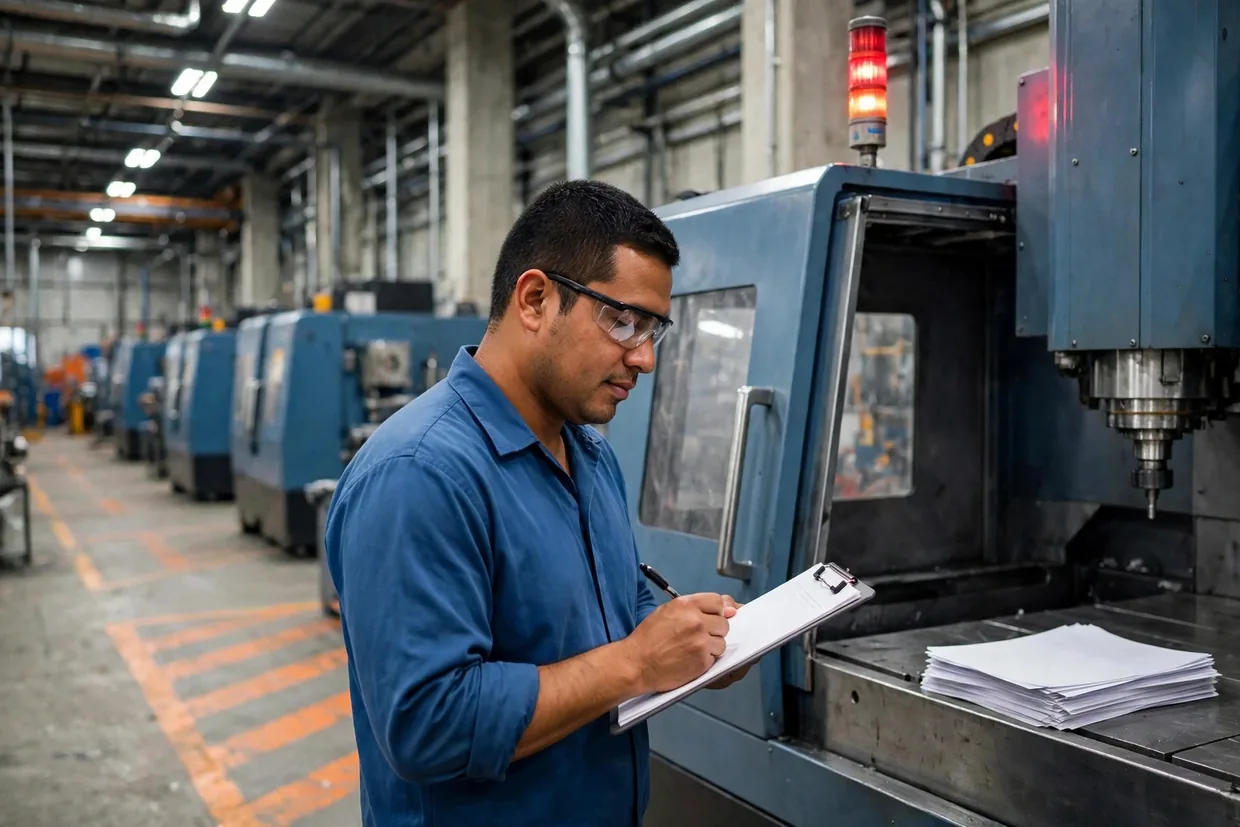
Downtime is written on paper, from memory, and typed up on Friday. Reasons are free text, so they can never be added up.
 The operator · machine cell
Step C
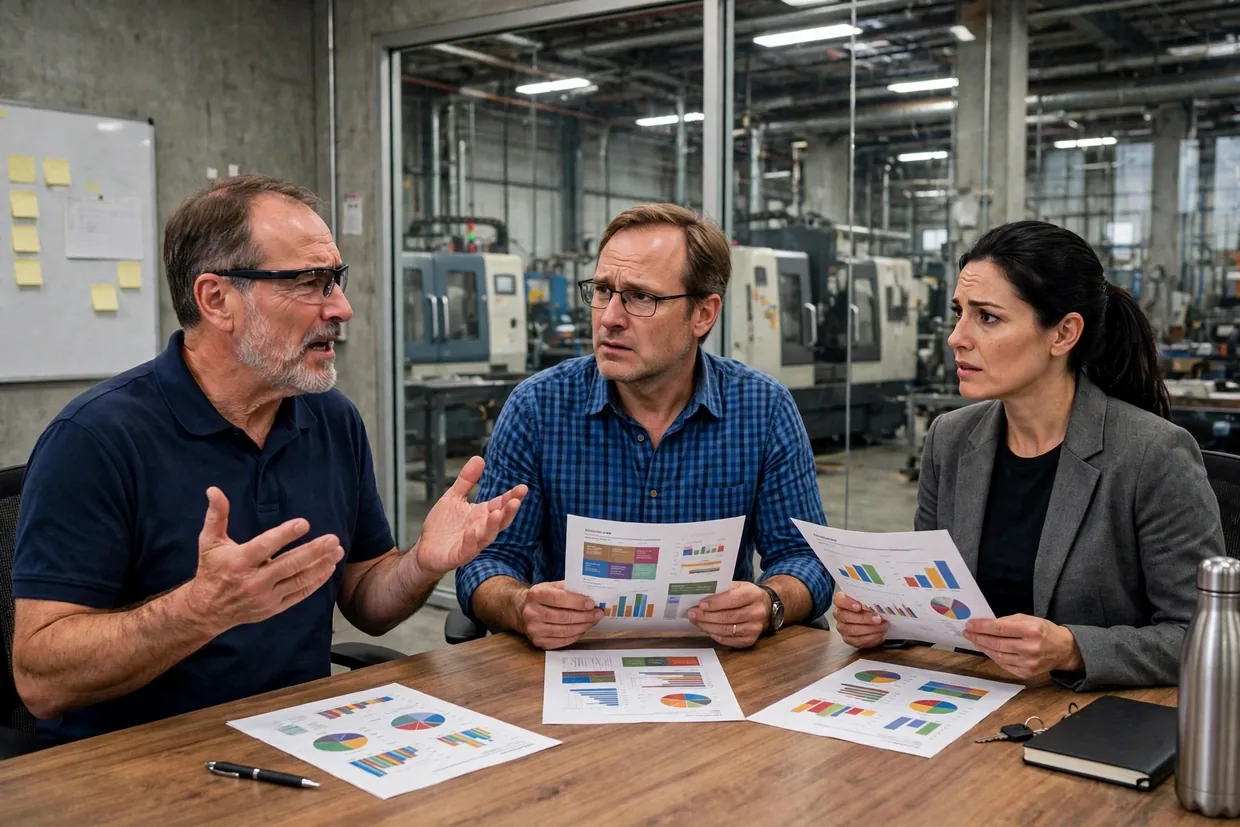
The same data was typed three times into systems that never talk. Every report shows a different number, and the stopped machine from 2:40 shipped an order late.
 The operations manager · end of shift
Drag it yourself
Same plant. Same ERP. Same people. One missing layer added.
Your system of record. We do not replace it, and we do not resell it.
Scheduling, shop-floor capture, traceability, reporting. One place, entered once.
Where the work actually happens, and where the numbers actually come from.
The model
We replace neither your ERP nor your people. We replace the Excel file in the middle.
One day, with Voliom
Day re-planned
A job runs late? Drag it. The whole day re-plans itself — and anyone trained can run this board, not just one man.
Why did it stop?
One tap when it happens. The system fills in the time, the job and the machine itself — and the office knows that second.
CNC-01
Running
CNC-02
Running
LATHE-03
Running
PRESS-04
Stopped
No material
SAW-05
Running
WELD-06
Running
OEE today
72.7%
Worked example
Late orders
1
Live, today
Which machines are running, which stopped and why, and which orders will be late — live, today. Not typed up on Friday.
Three screens. Same data. Entered once, used everywhere.
How a machine talks to the software
We only ever READ a machine. We never control it, and we never touch its control software.
Level 1
A newer machine publishes its own data — running, stopped, count, alarms — over MTConnect or OPC UA (two common standards for machines to report what they are doing), or through the maker’s own system. Nothing is added to the machine.
Level 2
An older machine gets a small sensor: a cycle counter, a read of the signal-tower light (green running, red stopped, amber waiting), or power sensing. A small gateway box in the plant collects it. The machine itself is untouched.
Level 3
Where there is nothing to read, the operator taps Start, Stop and a reason on a tablet. The system does the timing itself, so the only thing asked of a person is the one tap.
OEE, made simple
OEE (overall equipment effectiveness) is three simple questions multiplied together: was the machine running, was it running at full speed, and were the parts good? Move the sliders and watch which one is costing you.
Your OEE
72.7%
90% × 85% × 95% = 72.7%
Worked example
In most plants this number sits on a clipboard. Ours collects it as it happens.
Two more scenes you will recognise
An auditor asks which material went into which part. Scan — and the full record, including country of melt, is there in seconds. Not a paper hunt.

A configured quote takes minutes, from rules in the system — not days of one estimator’s judgement. Approved, it flows straight into production.
Price
$4,150
Worked example
Length
Finish
Duty
What you get, and what you own
Integration
3–8 weeks
Reporting
3–6 weeks
OEE
6–10 weeks
Scheduling
6–12 weeks
Configurator
8–16 weeks
Typical project shapes — your scope is confirmed after we see your plant.
Running Dynamics GP? Support ends 31 December 2029. Migration to Business Central is the one project with a fixed deadline — ask us about the inventory-first path.
If it’s the spreadsheet, that’s exactly the layer we build.
Voliom·voliom.com· Software between your ERP and the plant floor, for US & Canadian manufacturers, 50–500 people.